
Share with friends and family, not a feed.
Public and private visibility controls keep each trip update as open or closed as it needs to be.
Postmarked is a self-hosted way to share trip pages, photos, videos, and updates with the people you choose.
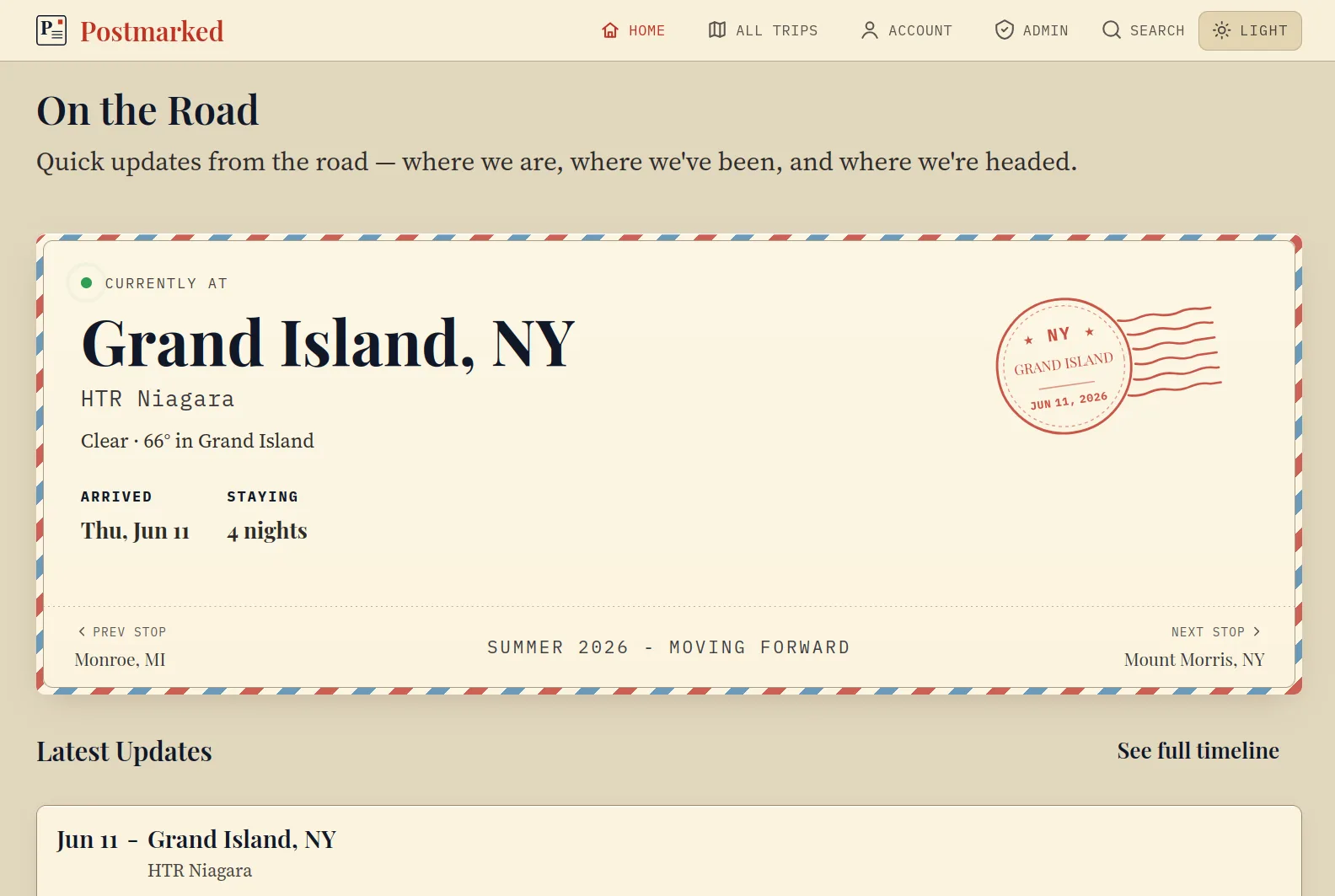
Why Postmarked
Public and private visibility controls keep each trip update as open or closed as it needs to be.
Run Postmarked yourself, keep your media under your control, and skip ads, tracking, and social churn.
Build trip pages with a timeline of stops, updates, galleries, and the context people need to follow along.
Manage trips, stops, posts, media, users, site text, settings, backups, and RV Trip Wizard imports.
Subscribers get a notification for each new update, so family follows along without an app, account, or algorithm.
Automatic database snapshots for disaster recovery, plus a one-click export to move a small instance between machines.
Trip pages
Trip pages collect stops, dates, locations, posts, photos, and videos into one readable route for friends and family.
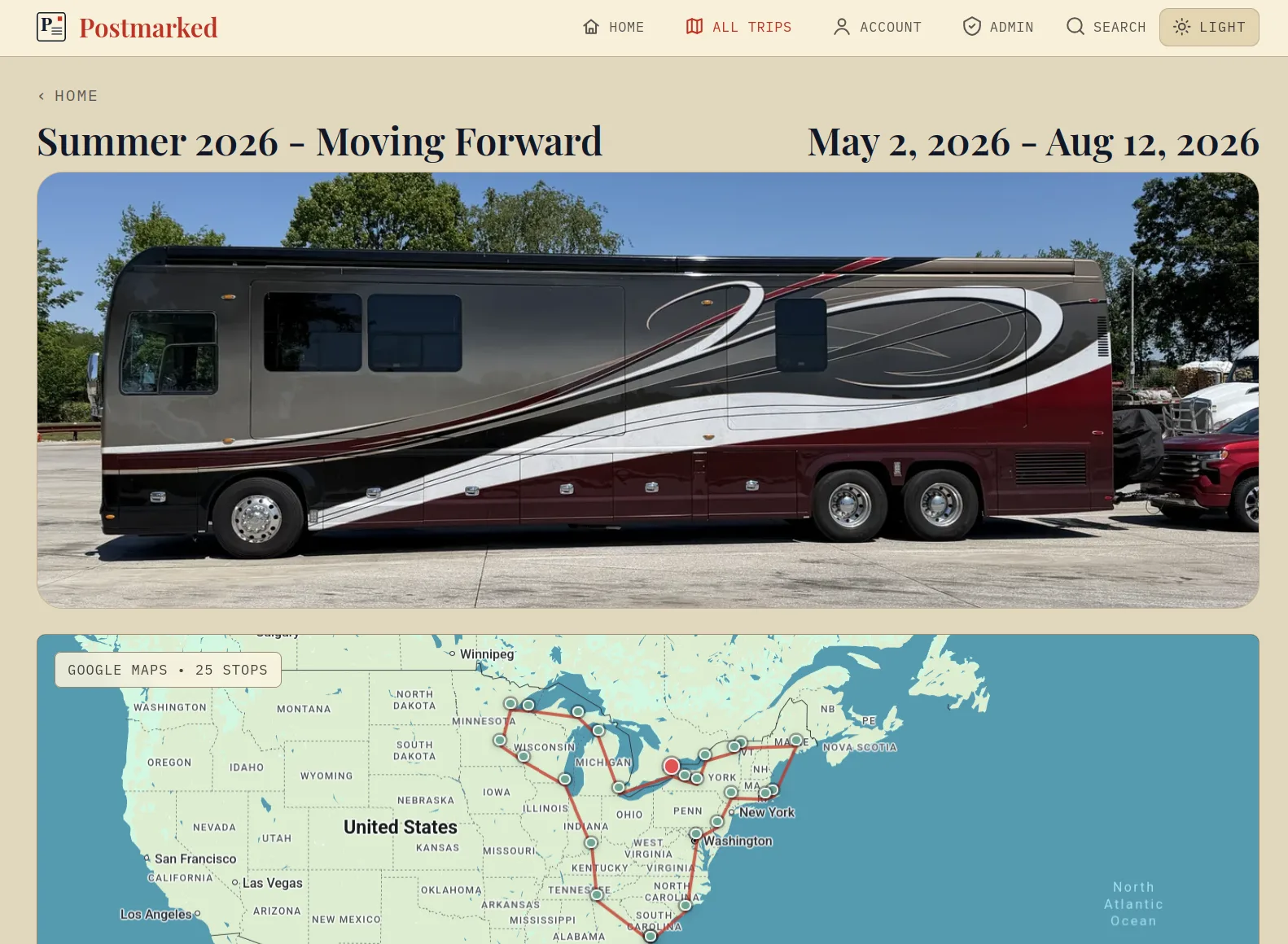
Media galleries
Galleries keep trip media close to the update it belongs to, so people can see the place without digging through a stream.
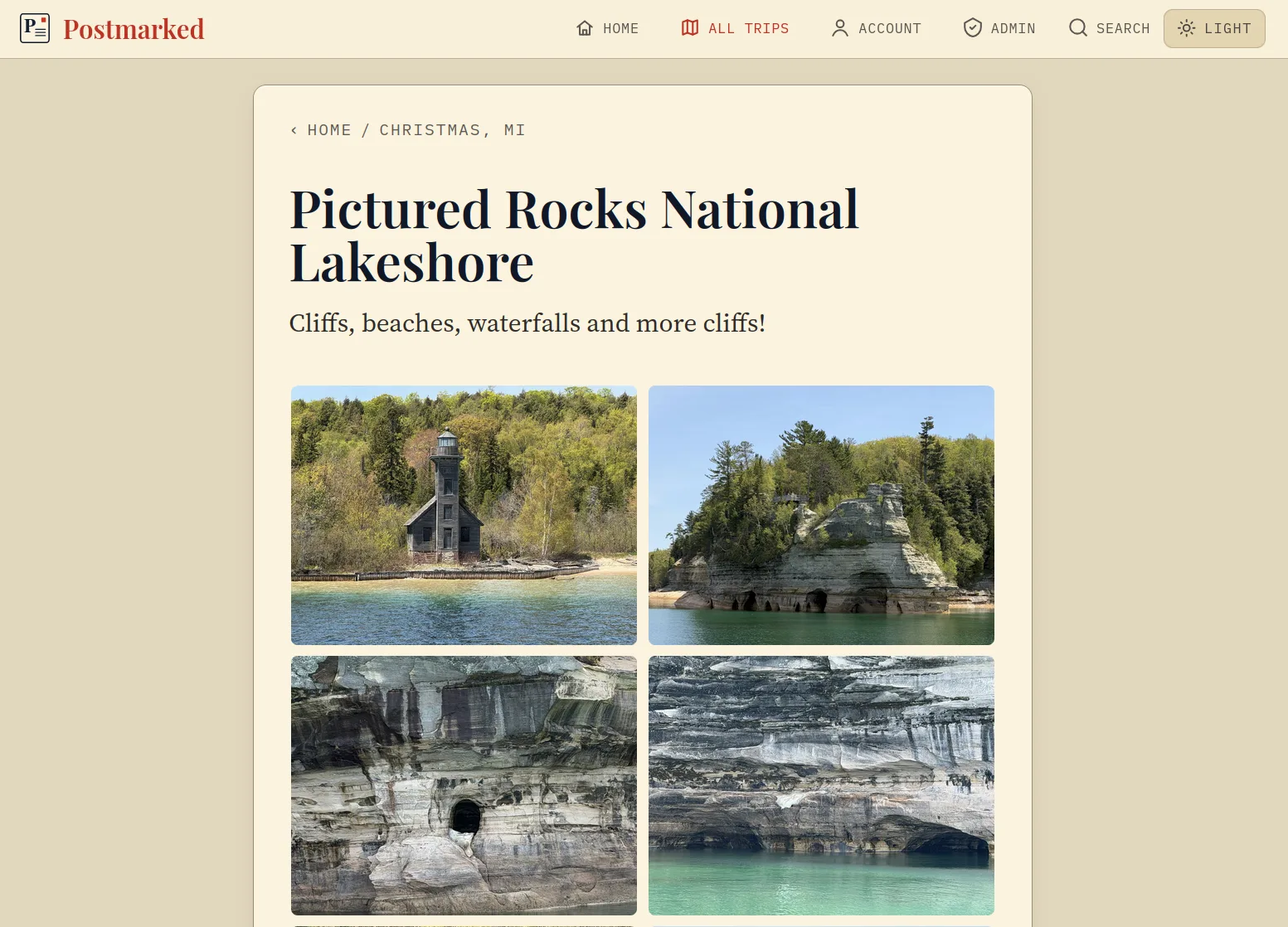
Admin UI
Create posts, attach media, edit site text, manage users, and import RV Trip Wizard spreadsheets from the full admin surface.
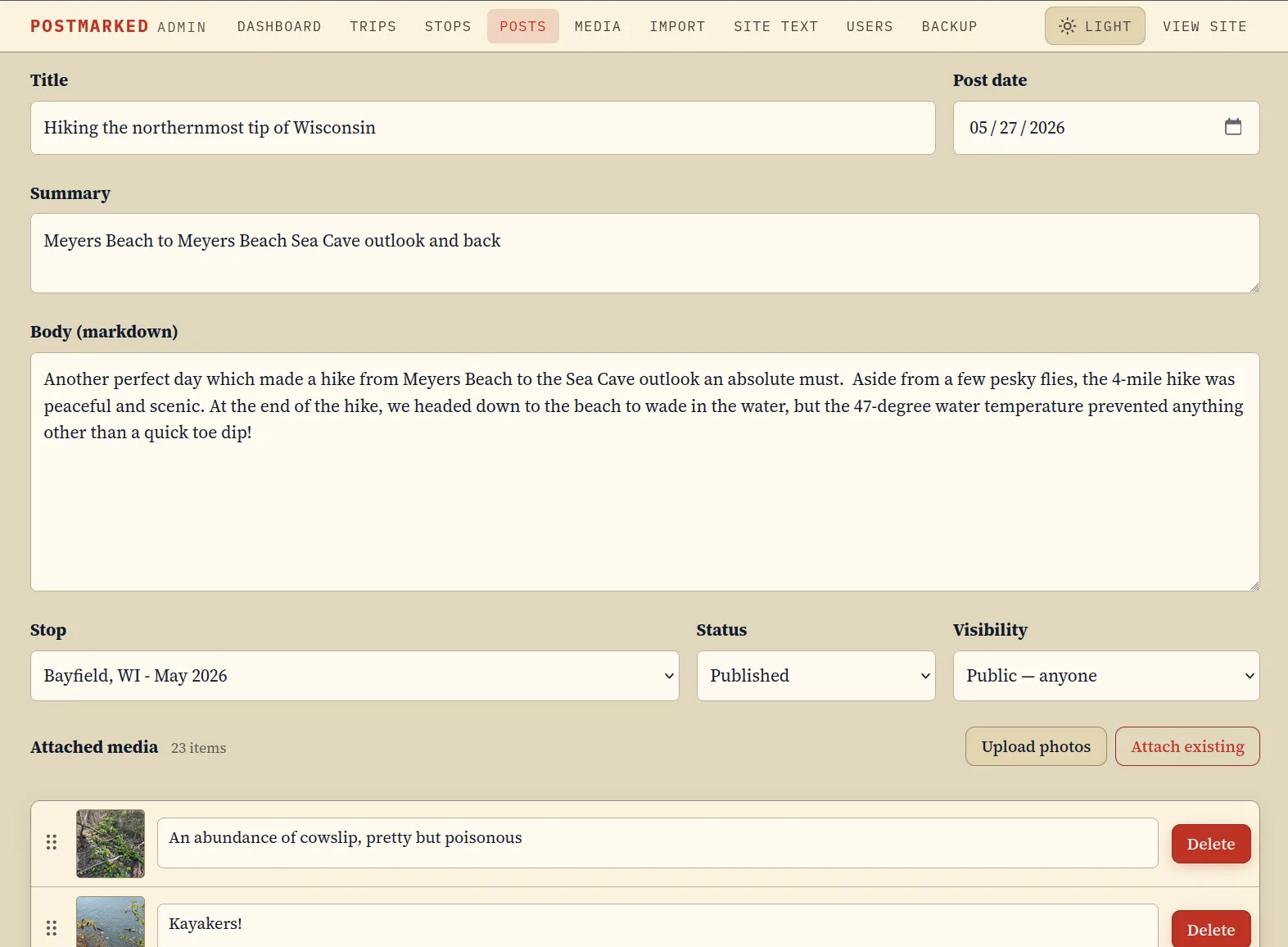
Self-host
Download the compose file and example environment, edit production values, then start the stack.
curl -fLO https://raw.githubusercontent.com/Backroads4Me/postmarked/main/compose.yaml
curl -fLo .env https://raw.githubusercontent.com/Backroads4Me/postmarked/main/.env.example
docker compose up -d